
# Email templates
The Process Engine has an embedded editor where users can add merge fields, images, tables and much more.
# How to add an email template
- Select the +Add Email Template button on the top right-hand corner of the screen.
- Complete the fields and Save.
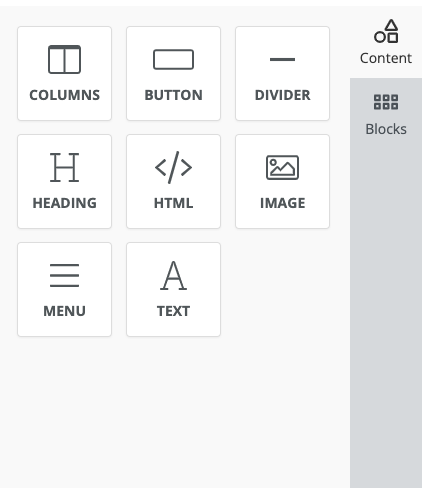
- Customize the template using the sidebar on the left-hand side.
# How to add an attachment
- Select the View button.
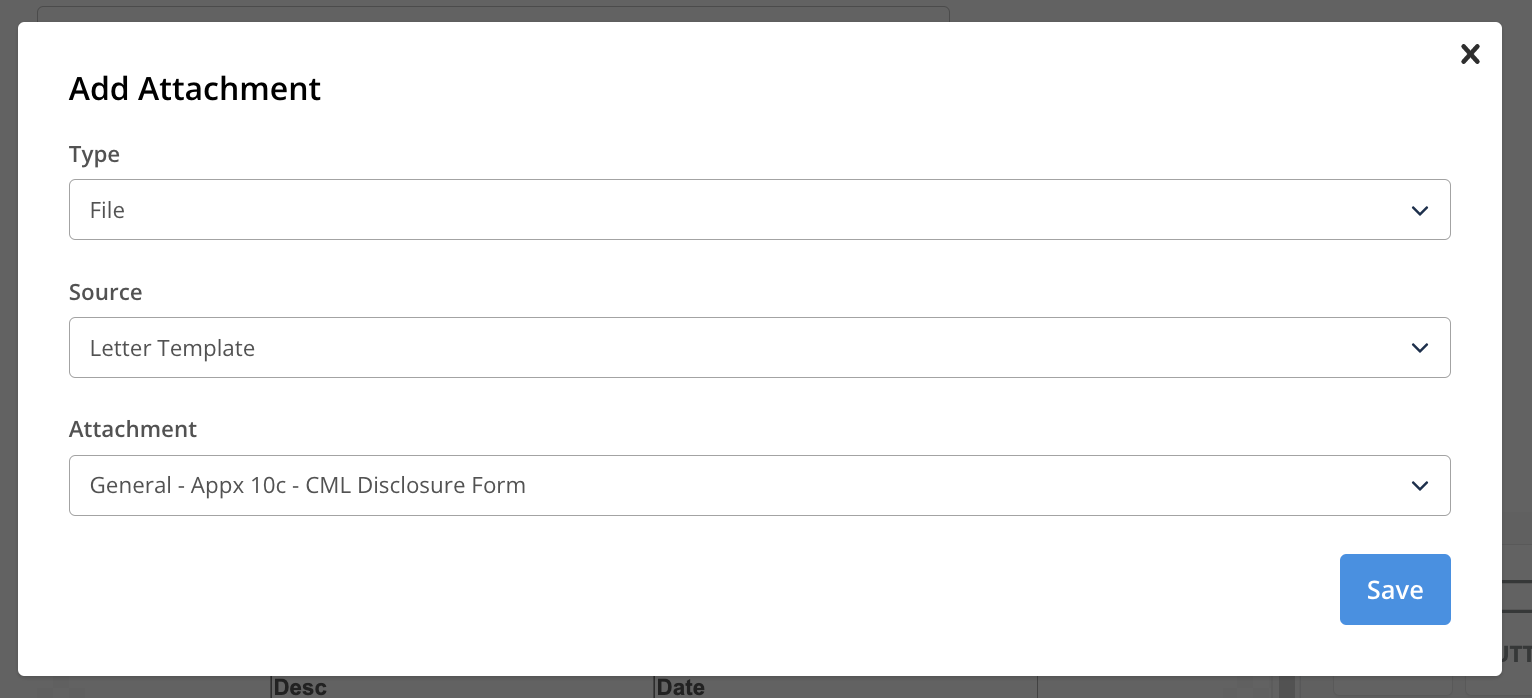
- Select the appropriate options under the Type, Source and Attachment fields.
For example, if the template users wish to attach is located in the letter section, users would select File as the Type, Letter Template as the Source and then choose the desired template from the dropdown.
Please Note
Please note that after adding a new email template, should you wish to include this in the workflow, the configuration will need to be completed by the KPro Team. To request this please contact support@keaze.com.