
# The Offer process
# How to make an offer
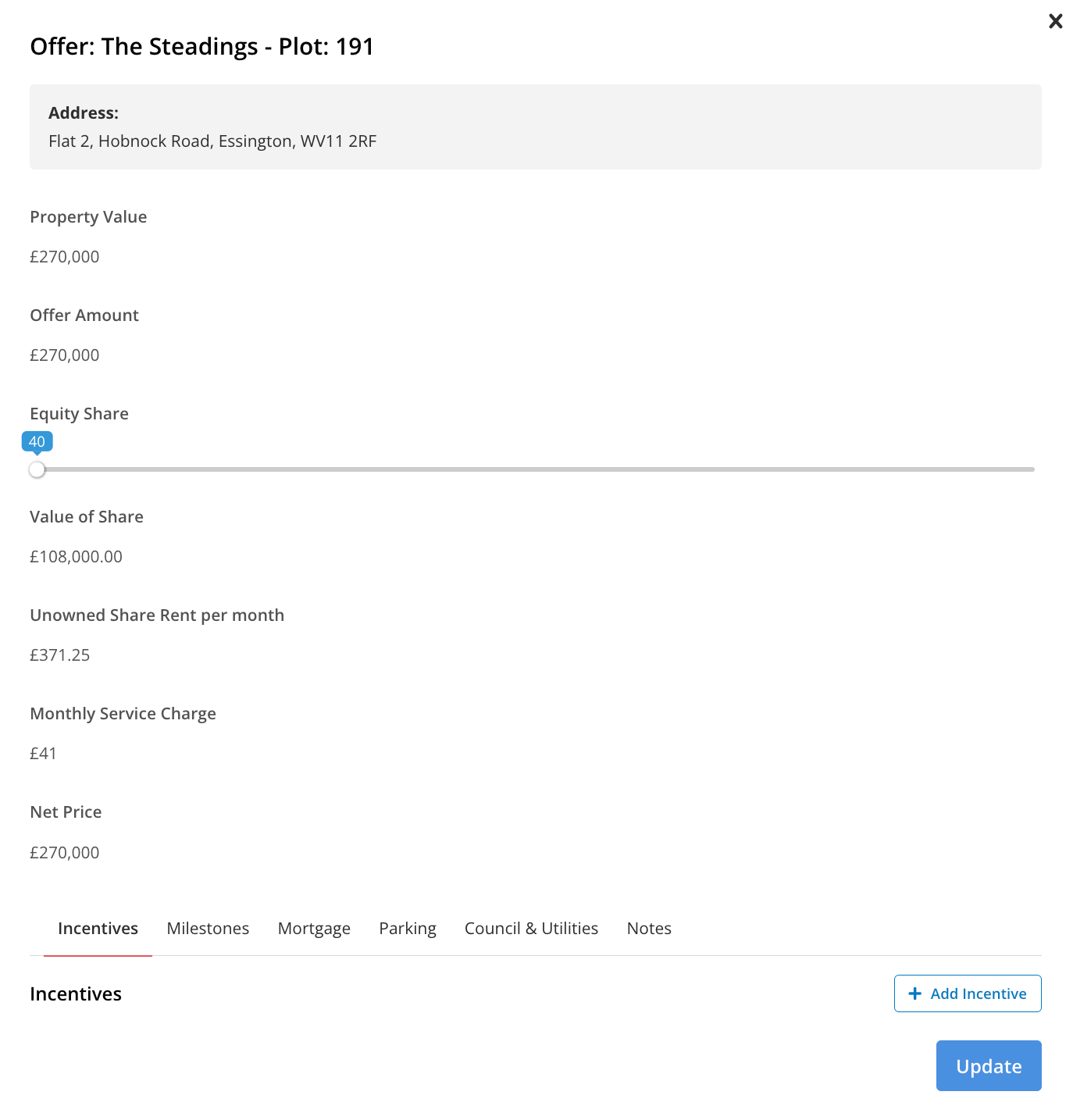
To make an offer users need to ensure that their applicant has a property set as interested. After which, users select the Make Offer option via the burger bar ( ) and slide the toggle to the share percentage being purchased.
The process engine will calculate the rent and share value* as the toggle is moved and after an offer is made, users can start progressing with automated tasks.
Please Note
That depending on the sales type the options available from the burger bar can differ. For example, there can be a Start RTA Process option for RTA properties, instead of Make Offer.
*The minimum and maximum share percentage can be amended via the financial tab at the property level. The rent % also needs to be completed at the property level so the Process Engine can calculate the rent value.
# Amending an offer
To amend an offer users should select the Edit Offer option via the burger bar ( ) and a form will appear prompting users to toggle the share percentage.
# Cancelling an offer
To cancel an offer select the burger bar and then Cancel Offer.
Should you have any additional queries regarding the offer process please contact support@keaze.com.