
# Quick Overview
Once an application is created, the application will have the tabs seen below.

# Details
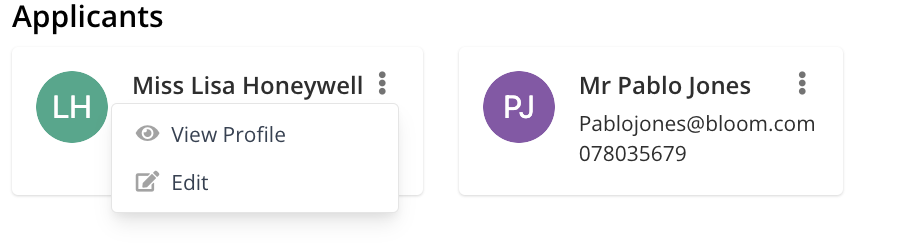
Applicant details can be amended here, including adding additional applicants.
To quickly amend phone number and email address details, users can use the burger bar ( ) on the applicant's contact card and select Edit.
# Properties & Offers
To assign the development or property an applicant is interested in, choose from the list available and select the Interested button. Please note that you can assign multiple properties.
To remove the development or property an applicant is interested in, use the burger bar ( ) and select Not Interested.